

Rogue Mobile Apps
Rogue mobile apps
Section titled “Rogue mobile apps”This grid lists mobile apps that misuse your brand name, logo, or visuals. StyxView scans app stores and download sites for rogue or pirated versions of your apps and for apps that could harm users, damage your brand, or be used for impersonation.
To open it, select "Company Protection" in the left menu, then "Brand Protection", then "Rogue Mobile Apps".
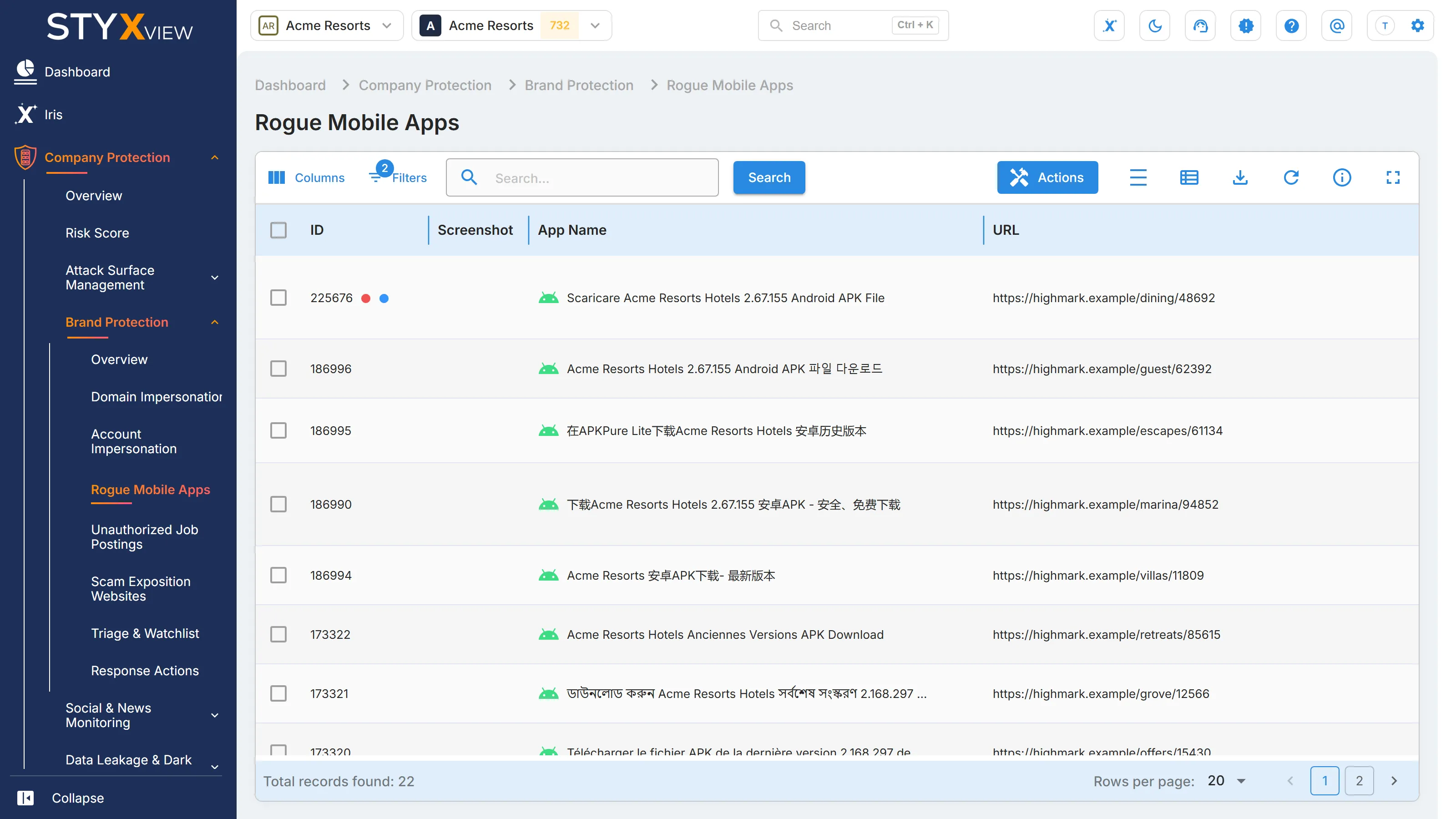
The grid opens sorted by "First Seen", newest first, and filtered to open findings. See Working with brand findings.
Columns
Section titled “Columns”| Column | What it shows |
|---|---|
| "ID" | The finding's permanent identifier. |
| "Screenshot" | A capture of the app's page. Hover over it for a larger view. |
| "App Name" | The name the app is published under. |
| "URL" | The page where the app is offered, with icons to copy it or open it. |
| "Potential Attacks" | The kinds of attack the app is associated with, such as "Impersonation", "Malware Campaigns", or "Brand/Reputational Damage". |
| "Status" | Where the finding is in your triage workflow. See Finding statuses. |
| "First Seen" | When StyxView first detected the app. |
| "Severity Rating" | How serious the finding is. |
| "Assigned User" | The user the finding is assigned to. |
| "Latest Comment" | The most recent comment on the finding. |
"Detection Keywords" is available under "Columns".
Actions
Section titled “Actions”Select one or more rows, then "Actions". This grid offers "Update Status", "Assign To", "Comment", "Mark as False Positive", "Mark as Brand Infringement/Impersonation/Leak Detected", "Add to Watchlist", "Request Takedown", and "Mark as Legitimate", with the matching "Unmark" and "Remove" actions. Each is described in Acting on findings.
- "Request Takedown" raises a takedown request for one app at a time.
- Use "Mark as Legitimate" only for apps your organization publishes and manages.
Select a row to open the app's detail page, described in Findings. It shows the "App Name", "URL", "Potential Attacks", "Date Detected", "Detection Keywords", and a "Screenshot".