

Audit Logs
The "Audit Logs" page is the record of activity in StyxView for your whole organisation. Use it to see who changed what, and when.
It records, among other events:
- Sign-ins.
- Actions on findings, such as status changes, assignments, comments, and marking a finding as a false positive or as legitimate.
- Changes to users, groups, and accounts.
- Changes to configuration, such as policies, alert subscriptions, and the web beacon and web referrer allowlists.
- Third-party questionnaire and risk register activity.
Navigation Path
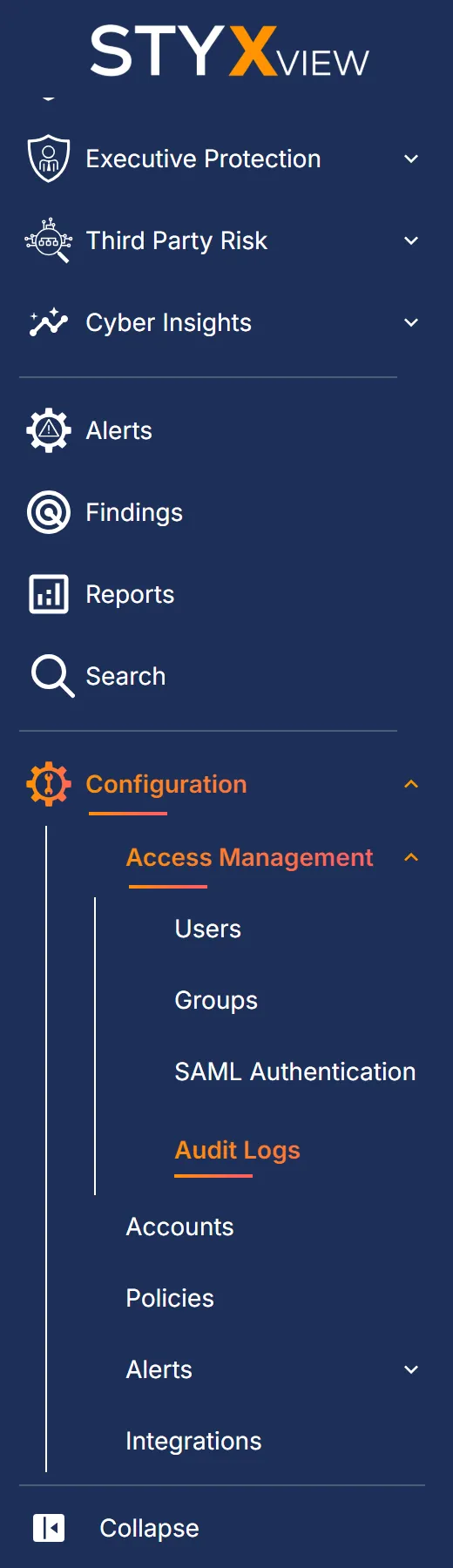
Section titled “Navigation Path”In the left menu, go to "Configuration" → "Access Management" → "Audit Logs". Only users with the Admin role see this page.
Audit Log Columns
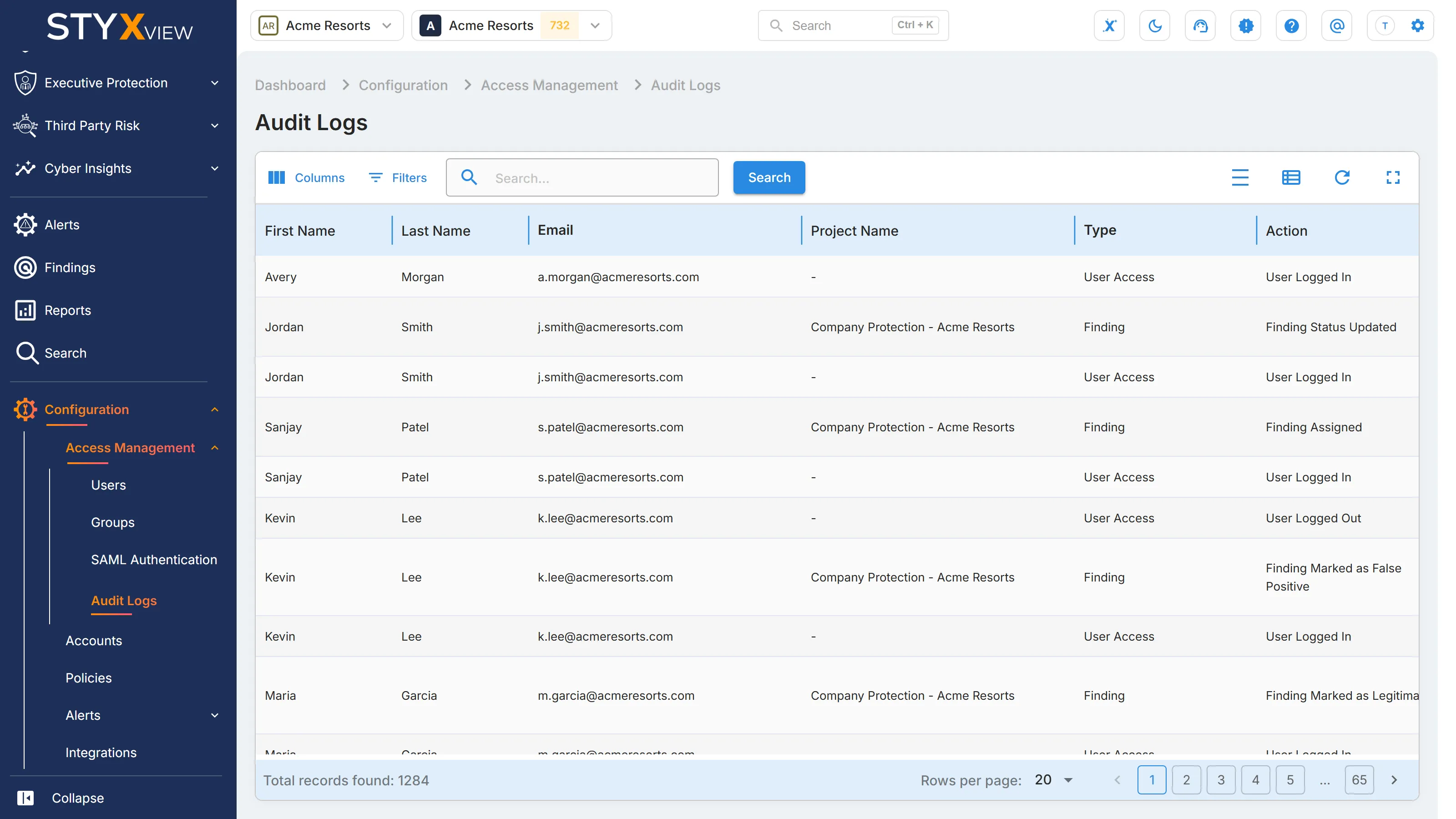
Section titled “Audit Log Columns”The newest entries are at the top.
| Column | Description |
|---|---|
| First Name | First name of the user who performed the action. |
| Last Name | Last name of the user who performed the action. |
| Email address of the user who performed the action. | |
| Project Name | The project the action applies to, where there is one. |
| Type | The area the action belongs to, for example Finding, User Access, or Policy Configuration. |
| Action | What was done: Added, Updated, Deleted, or a named action such as User Logged In. |
| Description | The details of the action. |
| TimeStamp | The date and time of the action. |
Find an Entry
Section titled “Find an Entry”The toolbar above the table works as it does on other tables:
- Enter text in "Search..." and press Enter. The search covers the project name, email, user name, type, action, and description.
- Select "Filters" to filter by one or more columns.
- Select "Columns" to show or hide columns.
- Select the Views icon to save the current filters and columns as a view.
For details, see Action & Filter Bar and Saved Views & Bookmarks. The audit log cannot be exported.