
Breaches
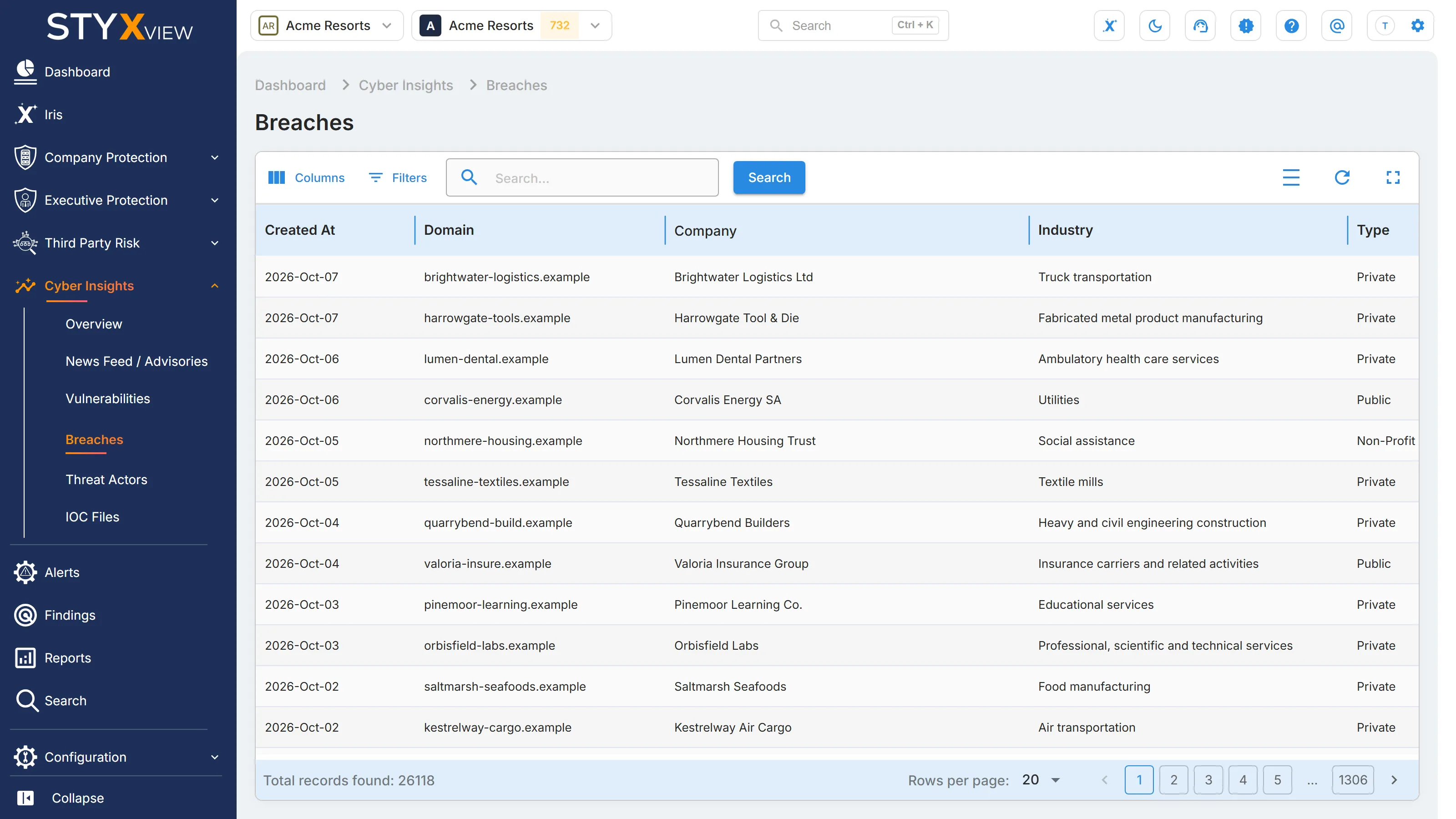
"Breaches" lists data breaches that have been reported publicly, at organisations of every kind, not only yours. Use it to follow breach trends by industry and country, and to check whether an organisation you work with has been breached.
To open it, select Cyber Insights, then "Breaches", in the sidebar.
Columns
Section titled “Columns”| Column | What it shows |
|---|---|
| "Created At" | When the breach record was added to StyxView. |
| "Domain" | The main web domain of the breached organisation. |
| "Company" | The name of the breached organisation. |
| "Industry" | The organisation's industry. |
| "Type" | The kind of organisation, such as Private, Public, or Non-Profit Organization. |
| "Country" | The organisation's country. |
Open "Filters" to filter by "Industry", "Type", or "Country". To search, enter a keyword in the search box and select "Search".
Breach record
Section titled “Breach record”Select a row to open the breach record for that domain:
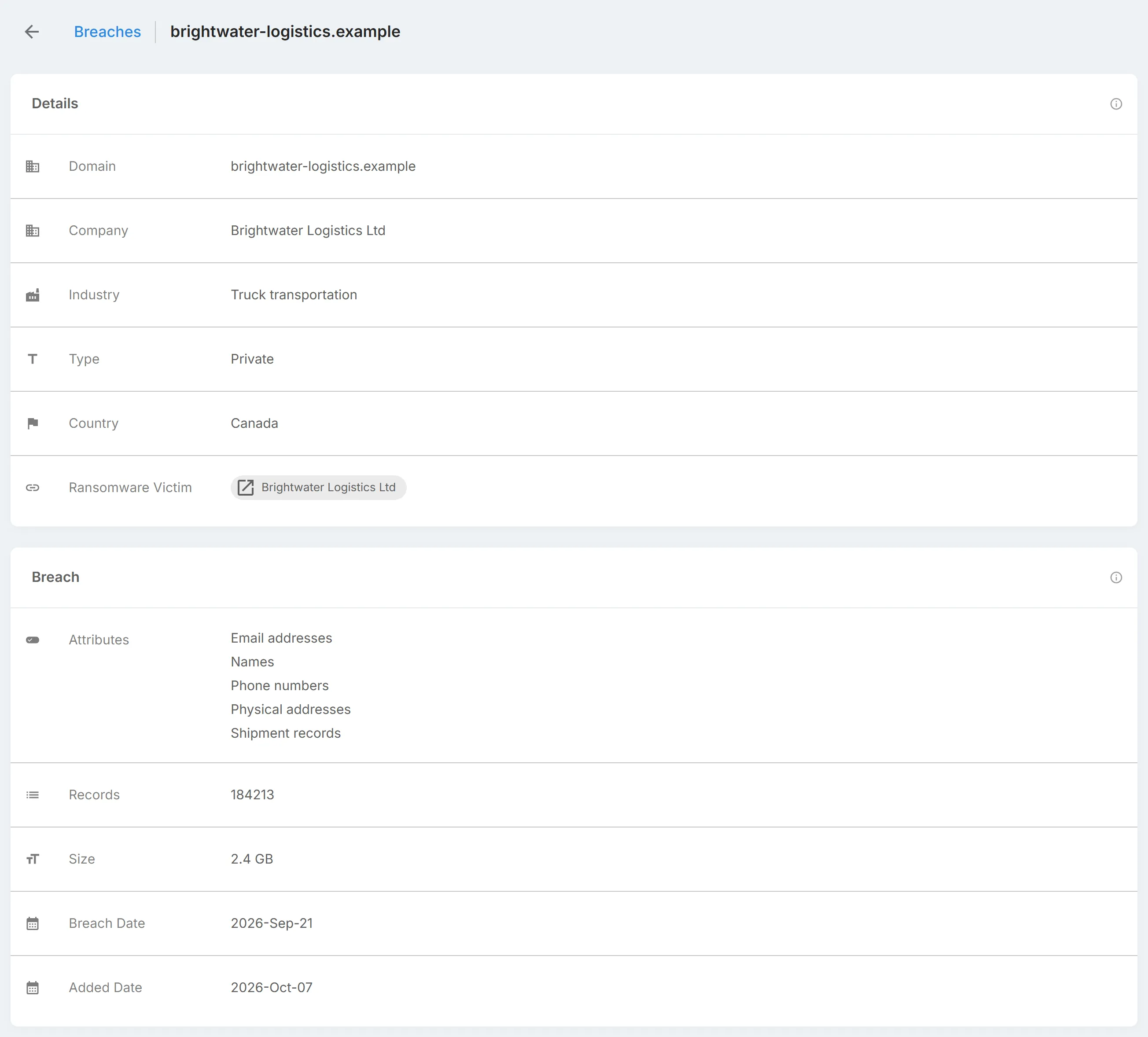
- "Details": "Domain", "Company", "Industry", "Type", "Country", and "Ransomware Victim". "Ransomware Victim" lists ransomware leak-site posts that name the organisation. Select one to open it in a new tab.
- "Breach": "Attributes" (the kinds of data exposed), "Records", "Size", "Breach Date", and "Added Date".
- One tab per verified breach, each with a "Breach - Verified" panel: "Name", "Added Date", "Breach Date", "Pwn Count" (the number of accounts exposed), "Description", "Data Classes" (the kinds of data exposed), and "Risk Level".